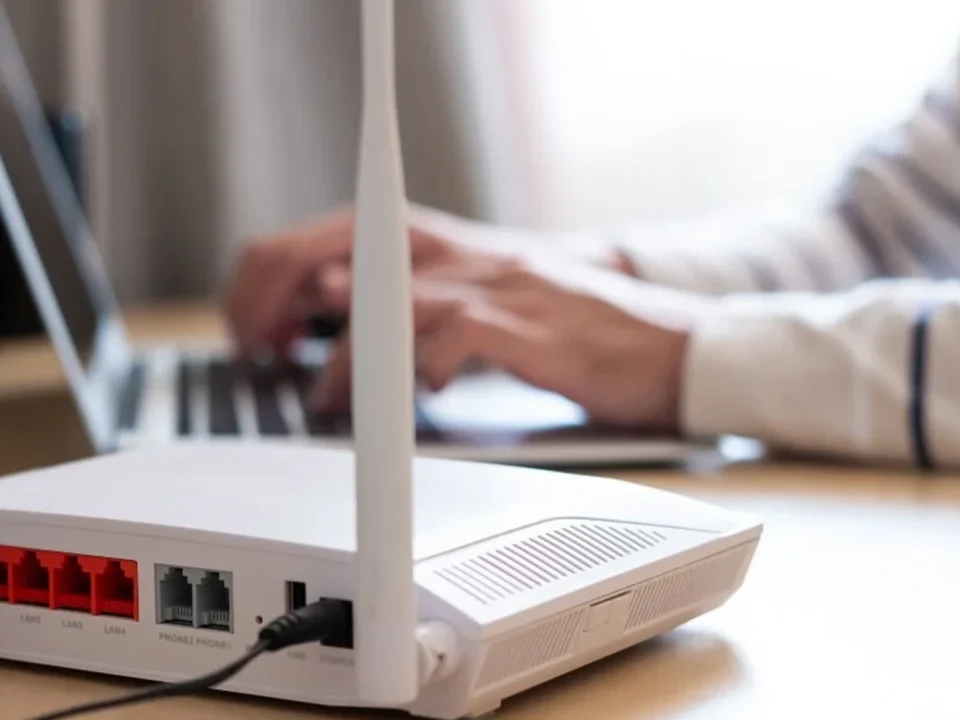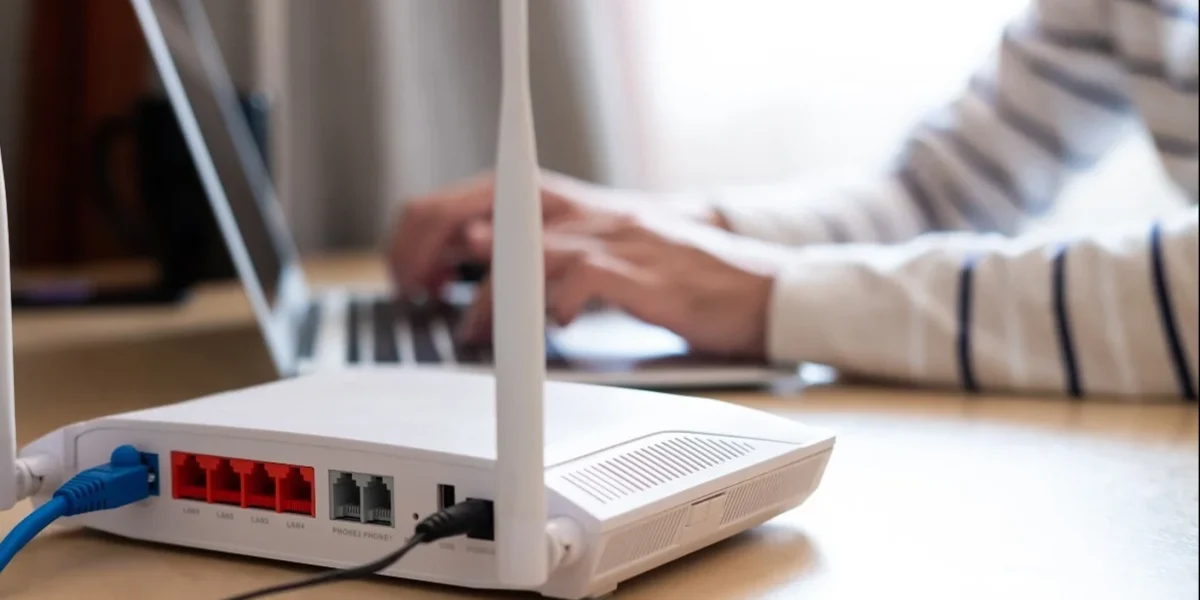
Connecting a Computer to a Router or Switch: A Comprehensive Guide
سبتمبر 30, 2024
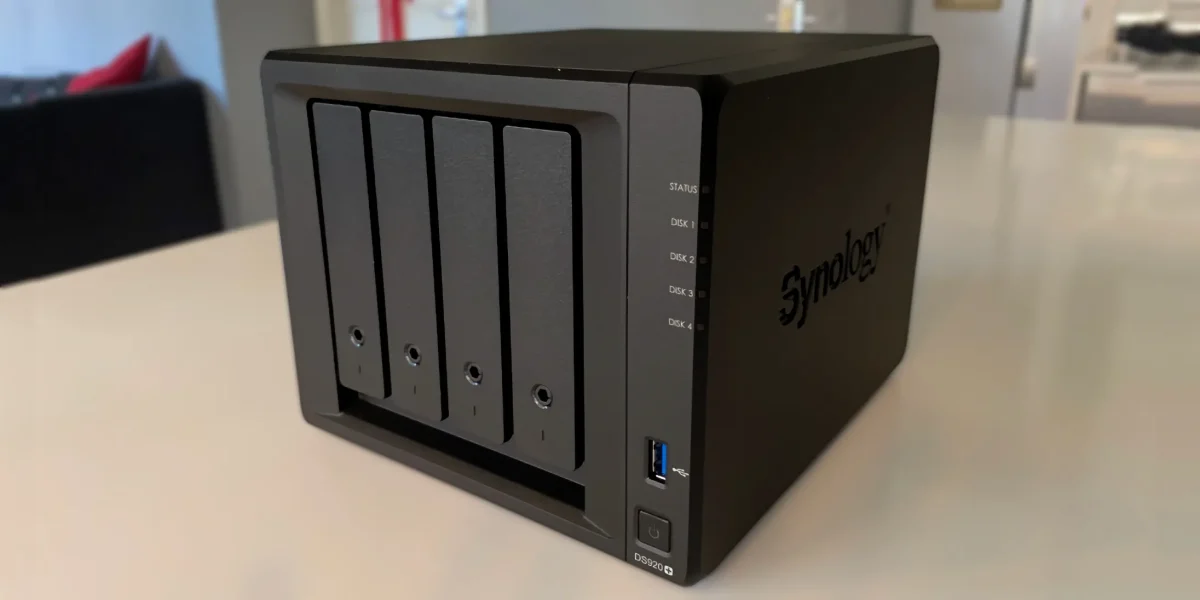
Connecting a Network-Attached Storage (NAS) Device to a Router or Switch: A Step-by-Step Guide
سبتمبر 30, 2024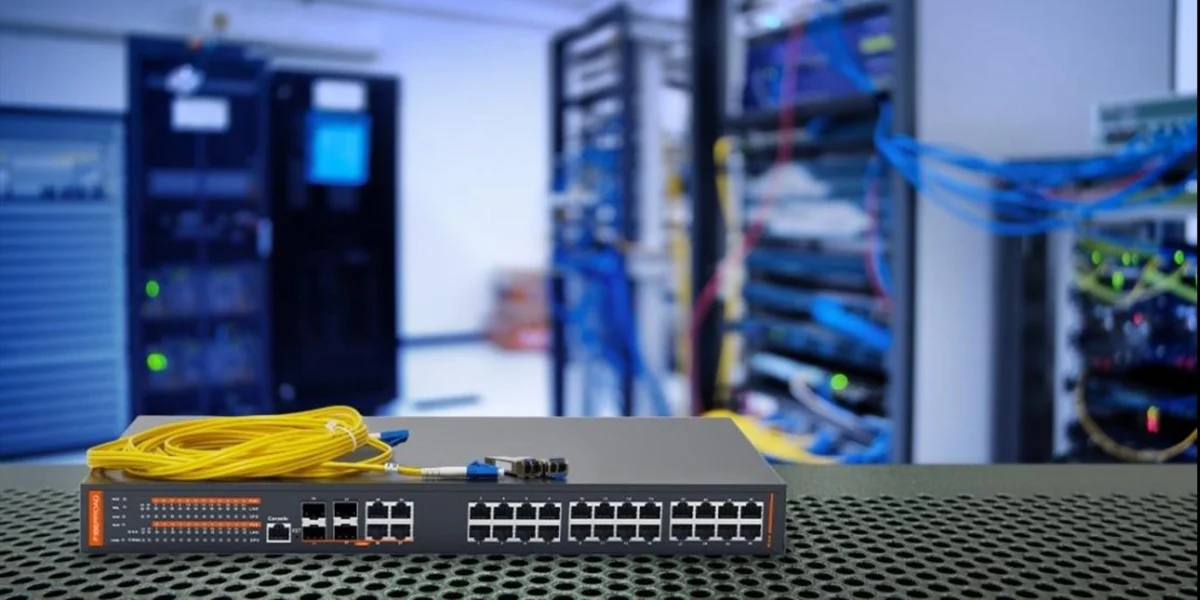
In the world of networking, the need for efficient data transfer between devices is crucial. Whether in a home, business, or large enterprise, one of the key components that makes this possible is the network switch. While you may have heard of routers and modems, switches play an equally important role in managing data traffic in local area networks (LANs). But what exactly is a network switch, and why is it so important?
In this comprehensive guide, we’ll explore everything you need to know about network switches—what they are, how they work, the different types, and why they are essential to modern networking environments.
What is a Network Switch?
A network switch is a networking device that connects multiple devices (like computers, printers, and servers) within the same network, enabling them to communicate and share data efficiently. Unlike a hub, which broadcasts data to all devices on a network, a switch sends data only to the device that needs it. This targeted communication helps reduce congestion and ensures optimal data transfer speeds.
In simple terms, think of a network switch as a traffic controller at a busy intersection. It directs the flow of data between devices, ensuring that data packets arrive at their correct destination without interference.
How Does a Network Switch Work?
To understand how a network switch works, it’s essential to grasp the concept of packet switching. Data sent over a network is broken into smaller chunks called packets. Each packet contains both the data being transferred and information about its destination. A network switch uses this information to intelligently forward the packet to the correct device on the network.
Here’s a simplified breakdown of the process:
- Receiving Data: When one device sends data, the switch receives the packet.
- Reading the Packet: The switch reads the packet’s header to determine its destination.
- Forwarding the Data: Using the destination information, the switch forwards the packet to the correct port that leads to the receiving device.
This system reduces unnecessary data traffic and makes sure that the right data reaches the right device without delay or interference from other transmissions.
Key Functions of a Network Switch
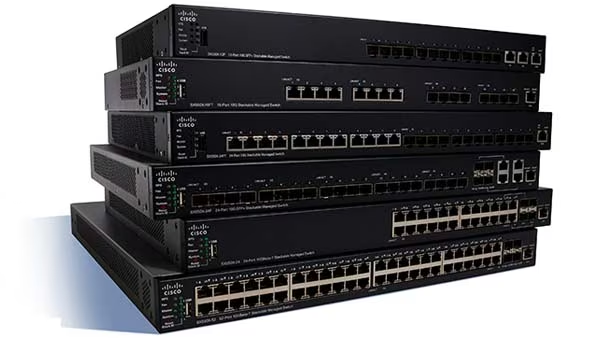
Network switches are essential for managing data traffic within a network. They perform several key functions:
- Packet Forwarding: As mentioned, switches forward packets of data between devices on the network. This reduces network congestion and improves speed.
- MAC Address Learning: Switches maintain a table of MAC addresses (Media Access Control addresses) to keep track of which device is connected to which port. This helps the switch send data to the correct device without broadcasting it to all devices.
- Traffic Segmentation: Switches segment traffic by creating distinct pathways for data to flow between devices. This prevents bottlenecks and reduces collisions between data packets.
- VLAN Support: Many switches support Virtual LANs (VLANs), which allow you to create separate, logical networks within a single physical network. This is useful for segmenting departments in a business or creating secure areas within a network.
Types of Network Switches
There are several different types of network switches, each designed to meet specific networking needs. Let’s explore the major categories:
1. Unmanaged Switches
An unmanaged switch is the most basic type of switch. These switches are typically plug-and-play, meaning they don’t require any configuration or management. Unmanaged switches are ideal for small networks where basic connectivity is required, such as in-home or small office environments.
Pros:
- Simple to use and inexpensive.
- No configuration is needed—ideal for quick setups.
Cons:
- Limited functionality and flexibility.
- No support for advanced features like VLANs or Quality of Service (QoS).
2. Managed Switches
A managed switch offers more control and flexibility, allowing network administrators to configure the device, monitor network performance, and optimize traffic flow. Managed switches are commonly used in larger networks where precise control over data traffic is essential.
Pros:
- Supports advanced features such as VLANs, QoS, and traffic prioritization.
- Can be remotely monitored and configured.
- Offers greater security options.
Cons:
- More expensive than unmanaged switches.
- Requires technical knowledge to configure and manage.
3. Layer 2 Switches
Layer 2 switches operate at the Data Link layer (Layer 2) of the OSI model. These switches are primarily responsible for forwarding data based on MAC addresses. Most basic network switches are Layer 2 devices.
Pros:
- Fast and efficient for basic data forwarding.
- Ideal for simple LAN environments.
Cons:
- Limited to managing data within a single network.
4. Layer 3 Switches
Layer 3 switches operate at the Network layer (Layer 3) of the OSI model, allowing them to route data based on IP addresses in addition to MAC addresses. These switches can perform both switching and routing functions, making them ideal for larger, more complex networks.
Pros:
- Combines switching and routing in one device.
- Supports IP routing between different subnets or VLANs.
Cons:
- More expensive and complex than Layer 2 switches.
5. PoE Switches (Power over Ethernet)
A Power over Ethernet (PoE) switch allows devices like IP cameras, VoIP phones, and wireless access points to receive both power and data over the same Ethernet cable. This reduces the need for separate power sources for these devices.
Pros:
- Simplifies wiring by combining power and data delivery in one cable.
- Ideal for deploying network devices in hard-to-reach areas.
Cons:
- More expensive than standard switches.
- Limited power output may not be sufficient for all devices.
Why Do You Need a Network Switch?
Network switches are essential in any network for the following reasons:
1. Efficient Data Transfer
A switch allows for data to be transferred efficiently between devices without unnecessary traffic or collisions. By directing packets only to their intended recipients, switches help optimize the use of available bandwidth.
2. Network Expansion
Switches enable you to connect multiple devices to a network, whether you’re in a home office or a large enterprise. This makes switches essential for network scalability, allowing you to add more devices without compromising performance.
3. Improved Network Security
Advanced switches, especially managed ones, allow for enhanced network security. Through VLANs, administrators can isolate different parts of the network, ensuring that sensitive data is only accessible to authorized devices.
4. Quality of Service (QoS)
QoS features in managed switches allow you to prioritize certain types of network traffic. For example, you might prioritize VoIP traffic to ensure that calls remain clear, even when other data-intensive tasks are occurring on the network.
5. Cost-Effective Solutions
For growing networks, switches offer a cost-effective solution for expanding connectivity. A single switch can connect multiple devices, which is cheaper and more efficient than other solutions like adding more routers.
Network Switch Use Cases
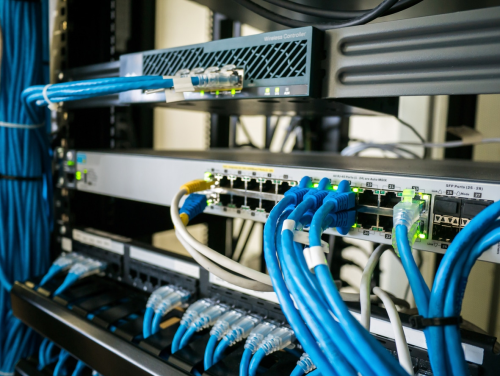
Now that we understand what network switches are and why they are important, let’s look at some practical use cases:
1. Home Networks
In a home network, unmanaged switches are often used to expand the number of wired connections. For example, if your router doesn’t have enough Ethernet ports, you can use an unmanaged switch to connect additional devices like gaming consoles, desktop PCs, or smart TVs.
2. Small Office Networks
In small office settings, switches are used to connect computers, printers, and other office devices. A managed switch can help prioritize traffic and create VLANs to separate different departments or user groups.
3. Data Centers
In large-scale networks such as data centers, Layer 3 switches are essential for routing data between different subnets and ensuring that traffic flows smoothly between servers, storage systems, and other critical infrastructure.
4. Security Camera Systems
PoE switches are widely used in security camera systems. With a PoE switch, security cameras can receive both power and data through a single Ethernet cable, simplifying installation and reducing wiring costs.
5. Enterprise Networks
In large enterprises, managed switches are critical for network performance and security. Features like VLANs, QoS, and IP routing help ensure that large volumes of traffic are handled efficiently while maintaining network security and control.
Conclusion
A network switch is a fundamental device that plays a crucial role in managing data flow between devices on a local network. Whether you’re setting up a small home network or a large corporate infrastructure, switches provide the essential connectivity needed to keep devices communicating efficiently and securely. By understanding the different types of switches and how they function, you can select the right one for your networking needs.
As networks continue to grow in complexity, the importance of switches only increases. With advanced features like VLANs, PoE, and QoS, modern network switches offer unparalleled control, security, and performance, making them a vital component of any well-designed network.